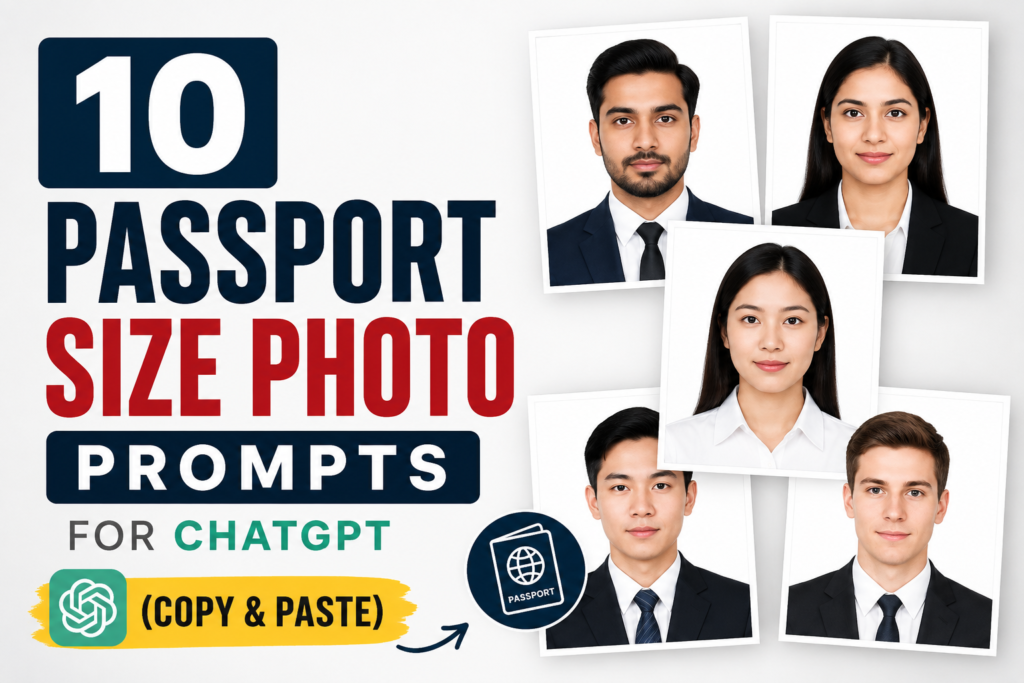
Passport Size Photo Prompts for ChatGPT help you turn a clear uploaded photo into a clean, professional, studio-style passport photo. These copy-paste prompts are written for users who want a simple white background, clear face visibility, natural lighting, and realistic results without changing identity.
In this guide, you will get 10 Passport Size Photo Prompts for ChatGPT plus one bonus correction prompt. You can use them for resumes, college forms, job applications, LinkedIn profiles, portfolio photos, and general profile use.
For official documents such as passports, visas, driving licences, or government IDs, always check the latest rules from the official authority first. You can read OpenAI’s image generation overview on the OpenAI website and check Indian passport-related services on the Passport Seva portal.
For more related editing ideas, also read our ChatGPT professional headshot prompts, Gemini AI prompts for Instagram photos, and mirror selfie AI prompts.
How to Use Passport Size Photo Prompts for ChatGPT
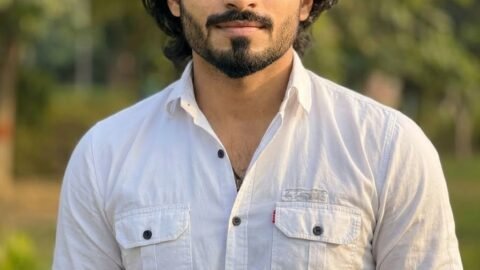
Before using any prompt, upload a clear front-facing photo. The face should be visible, the image should not be blurry, and the lighting should be balanced. Then copy one prompt below and paste it into ChatGPT with your uploaded image.
For better results, mention identity preservation clearly. Use words like: keep my face exactly the same, keep natural skin texture, use a plain background, keep both eyes open, and crop the image in passport size composition.
Best Passport Size Photo Prompts for ChatGPT List
1. Basic White Background Passport Size Photo Prompt
Use this prompt when you need a simple, clean, and professional passport size photo with a plain white background.
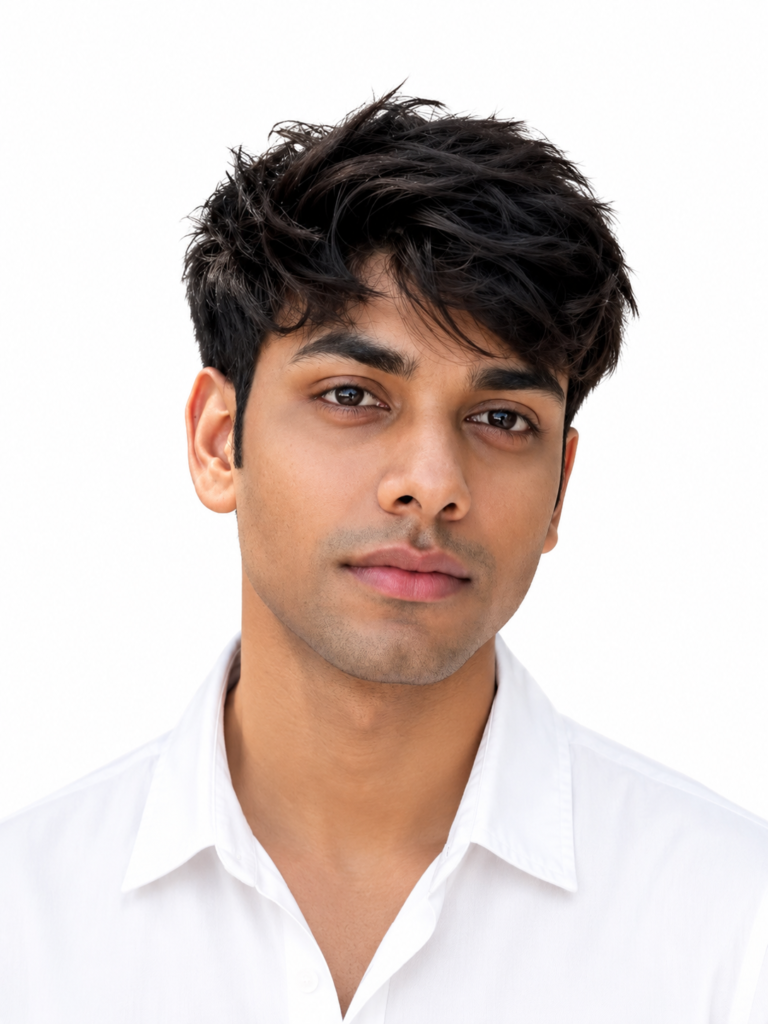
Create a professional passport size photo using my uploaded image. Keep my face, facial features, skin tone, and hairstyle exactly the same. Change the background to a plain white studio background. Make the lighting soft, even, and natural. Keep my expression neutral with a professional look. Crop the image from head to upper shoulders in standard passport photo style. Do not over-edit the face. Make the photo look realistic, sharp, and suitable for forms, resumes, and professional profiles.
2. Blue Background Passport Size Photo Prompt
This prompt is useful when your form needs a formal light blue background instead of white.
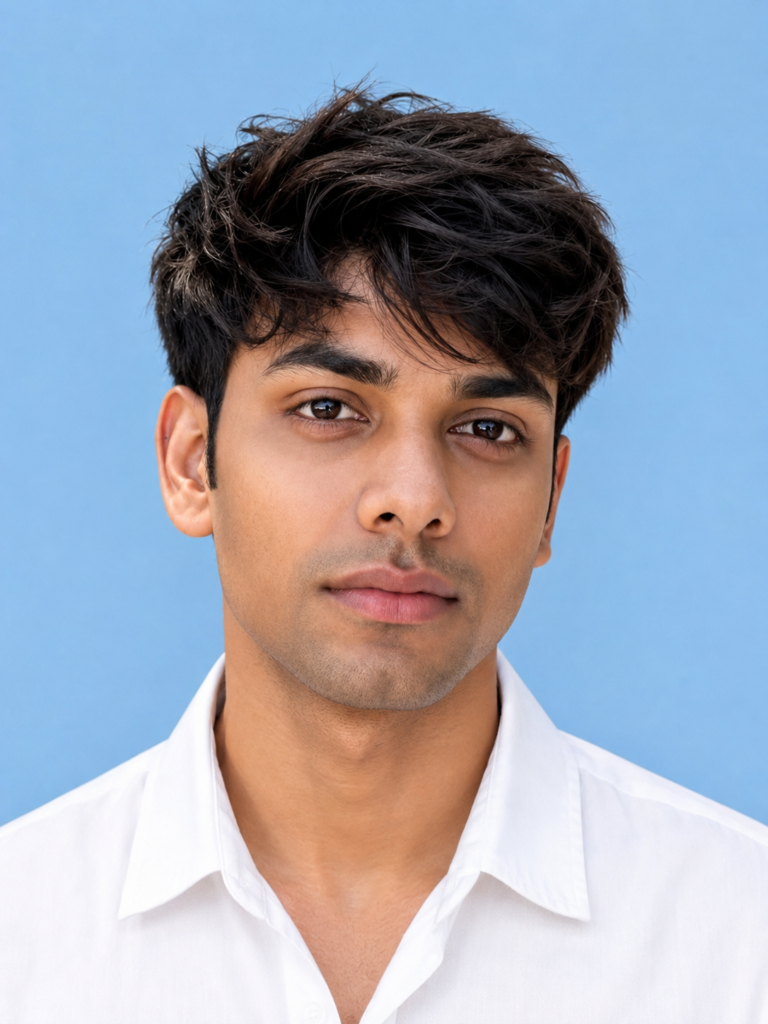
Convert my uploaded photo into a professional passport size photo with a plain light blue background. Keep my original face exactly the same without changing my identity. Adjust the lighting to look like a studio photo. Keep my posture straight, face forward, and expression natural. Make the image sharp, clean, and realistic. Crop it properly from the head to upper shoulders. Do not add filters, beauty effects, or artificial skin smoothing. The final photo should look like a professional ID photo.
3. Formal Shirt Passport Size Photo Prompt
Use this when your original photo is casual and you want a clean formal shirt without changing your face.
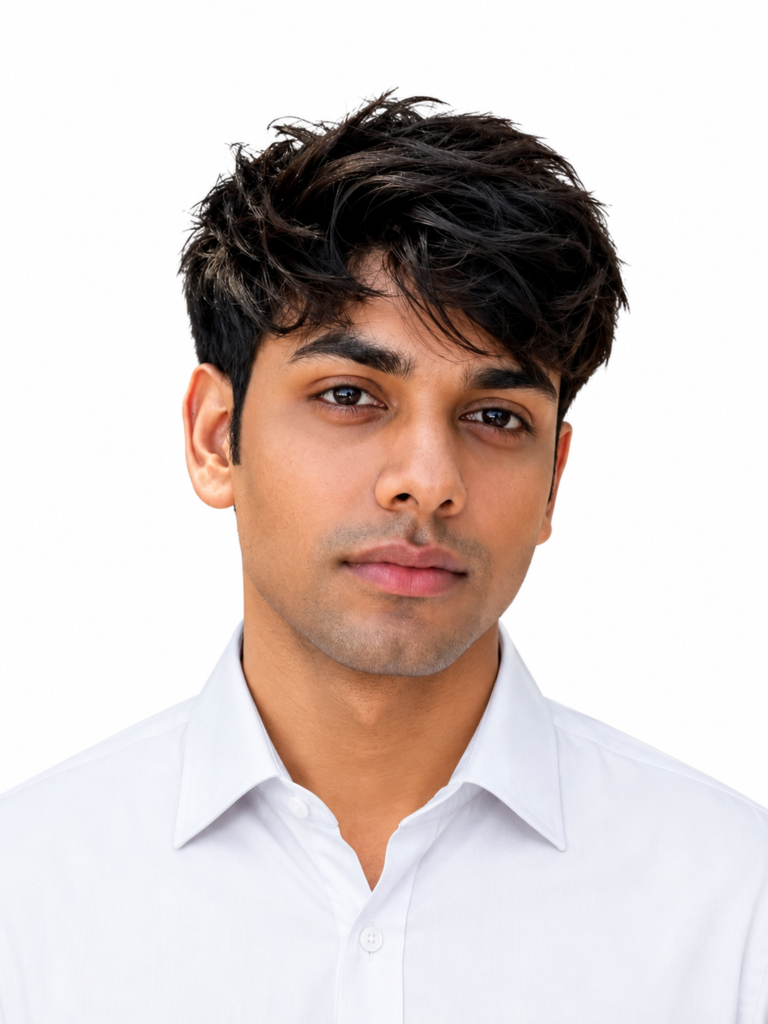
Create a realistic passport size photo from my uploaded image. Keep my face, eyes, nose, lips, beard, hairstyle, and skin tone exactly the same. Replace my outfit with a clean formal shirt in a professional style. Use a plain white background. Make the lighting soft and balanced like a studio portrait. Keep my expression neutral and confident. Crop the image in passport size style, showing head and upper shoulders only. Do not change my facial structure or make the image look AI-generated.
4. Suit and Tie Passport Size Photo Prompt
This prompt is best for corporate profiles, job applications, and formal professional use.
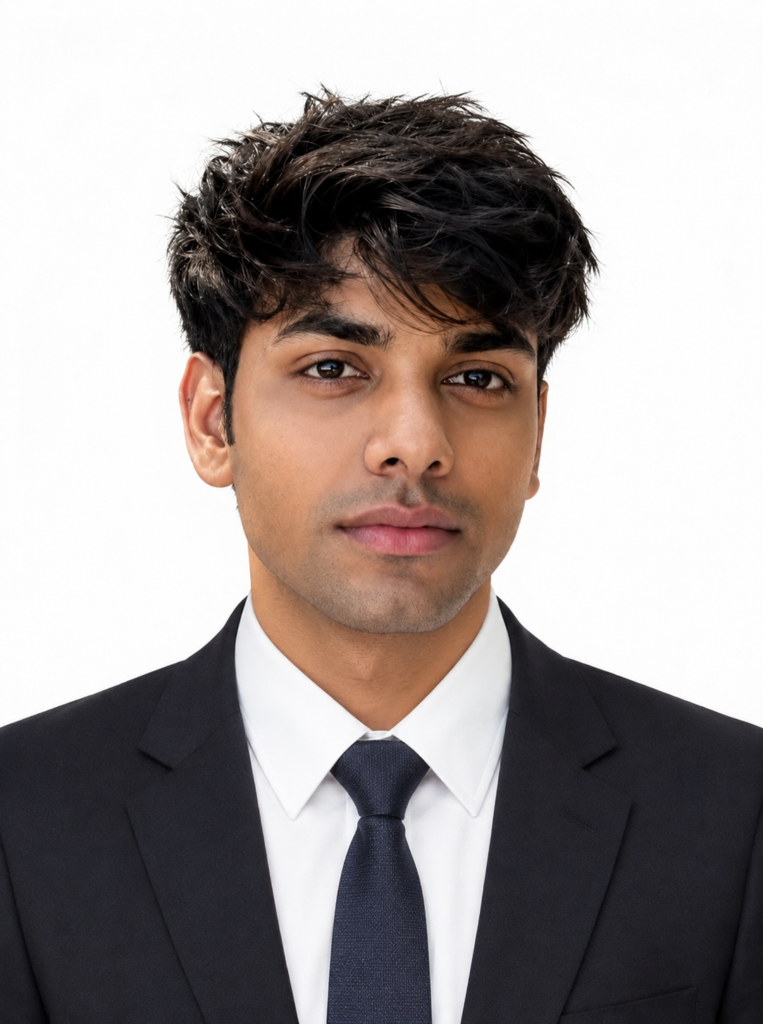
Turn my uploaded image into a professional passport size photo. Keep my face and identity exactly the same. Add a formal dark suit, white shirt, and simple tie. Use a plain white or light grey studio background. Make the lighting realistic, soft, and professional. Keep my face front-facing with a neutral expression. Crop the photo from head to upper chest in standard passport photo composition. Keep natural skin texture and avoid over-editing. The final result should look like a real studio passport photo.
5. LinkedIn Style Passport Photo Prompt
Use this when you want a passport-style image that also works as a professional LinkedIn profile photo.
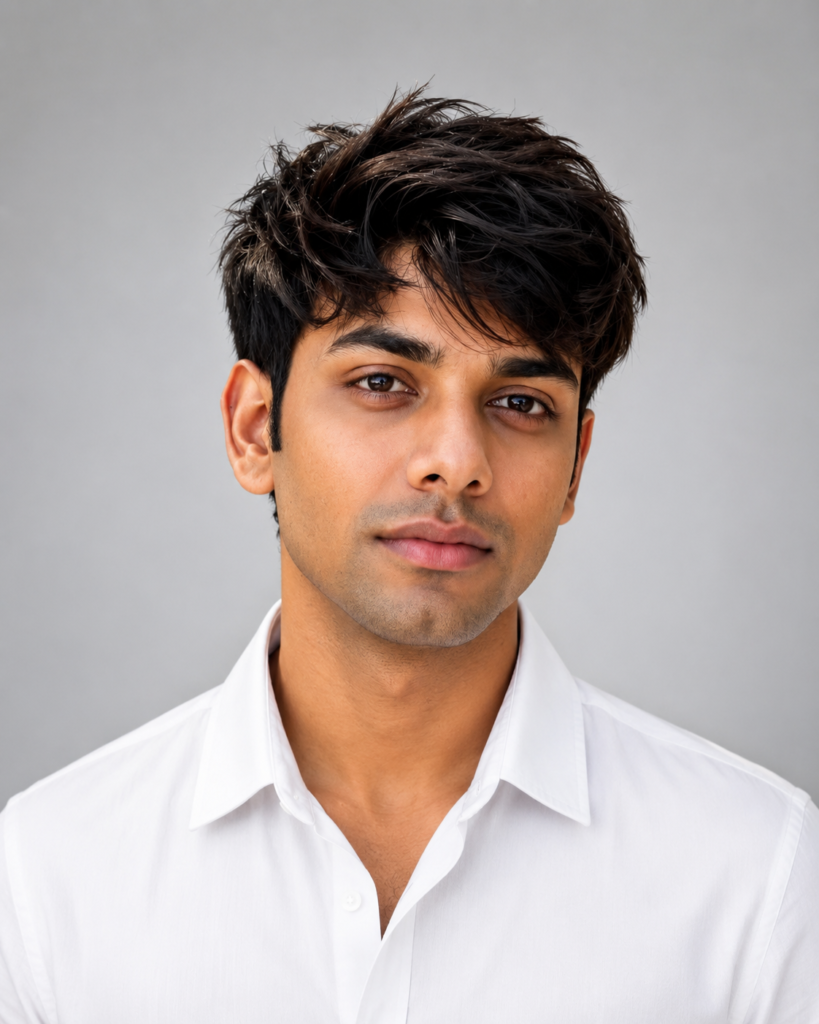
Create a professional LinkedIn-style passport size photo using my uploaded image. Keep my face and identity exactly the same. Use a clean light grey background with soft studio lighting. Make the image look modern, professional, and natural. Keep my expression slightly confident and friendly, but not overly smiling. Crop it from head to shoulders. Make sure the photo looks realistic and suitable for LinkedIn, resumes, job portals, and professional profiles. Do not change my facial features.
6. College Form Passport Size Photo Prompt
This prompt is good for school, college, admission, exam, and basic form photos.
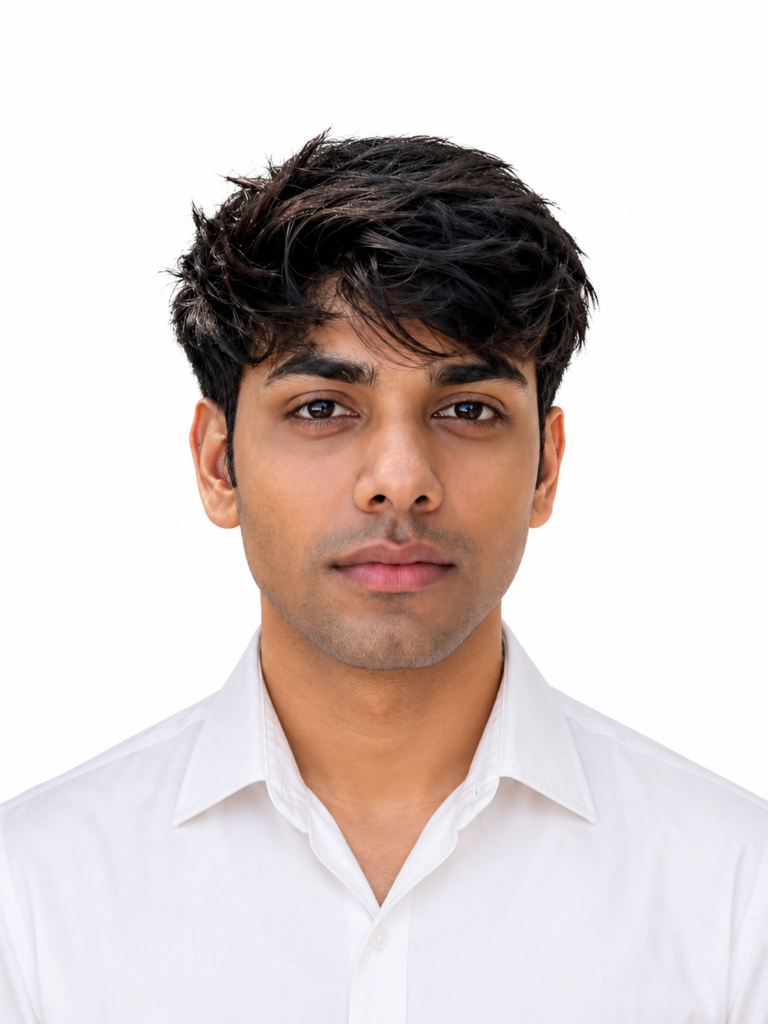
Convert my uploaded image into a clean passport size photo for college or school form use. Keep my face exactly the same and do not change my identity. Use a plain white background. Make my posture straight and face front-facing. Keep the lighting even and natural. Crop the image properly from head to upper shoulders. Keep the photo simple, realistic, and formal. Do not add shadows, filters, accessories, or heavy editing.
7. Indian Passport Size Photo Prompt
Use this prompt if you want a common Indian-style passport photo look for general form use.
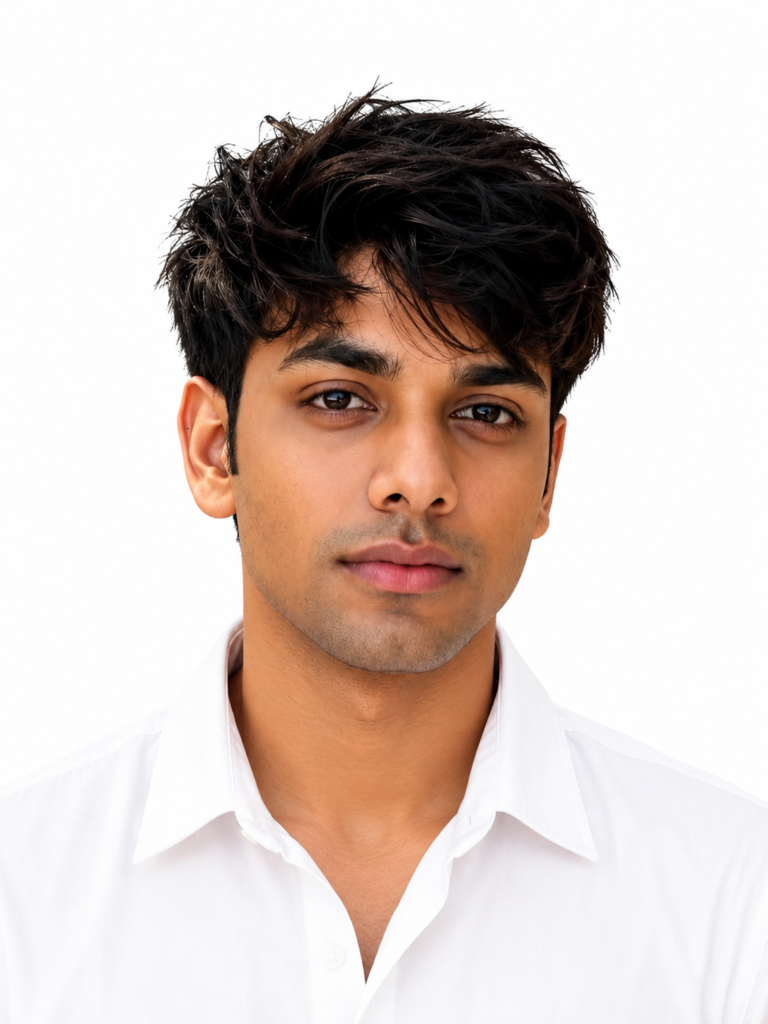
Create an Indian passport size photo from my uploaded image. Keep my face, skin tone, hairstyle, and facial features exactly the same. Use a plain white background with soft studio lighting. Make the face clearly visible, front-facing, and centered. Keep a neutral expression with both eyes open. Crop the image from head to upper shoulders in a standard passport photo style. Make it look realistic, sharp, and suitable for general Indian form use. Do not change my face shape or make the image look artificial.
8. Professional Resume Passport Size Photo Prompt
This prompt is best for CV, resume, portfolio, job portals, and professional applications.
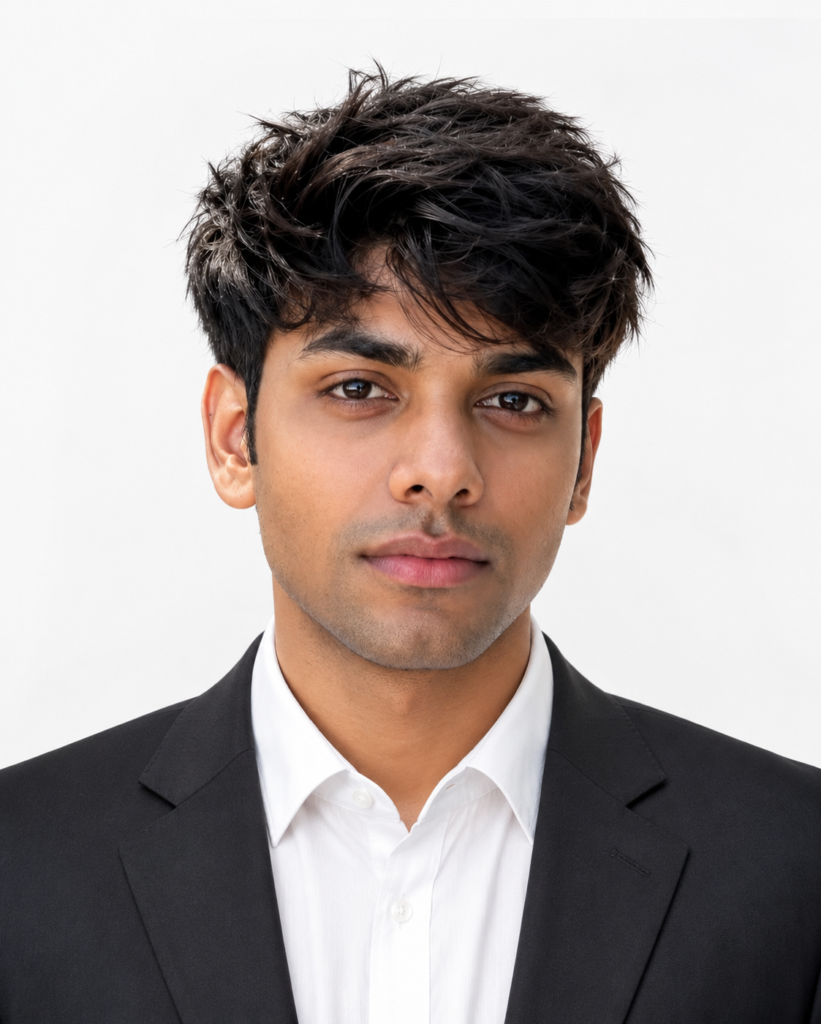
Make a professional resume-style passport size photo using my uploaded image. Keep my original face and identity unchanged. Use a clean white or light grey background. Improve the lighting so the face looks clear and professional. Add a neat formal shirt if needed. Keep the expression natural, confident, and professional. Crop the image from head to shoulders. Make the final image realistic, high-quality, and suitable for a CV, resume, portfolio, and job application.
9. Studio Quality Passport Photo Prompt
Use this when you want a premium studio-quality passport photo with balanced light and sharp detail.
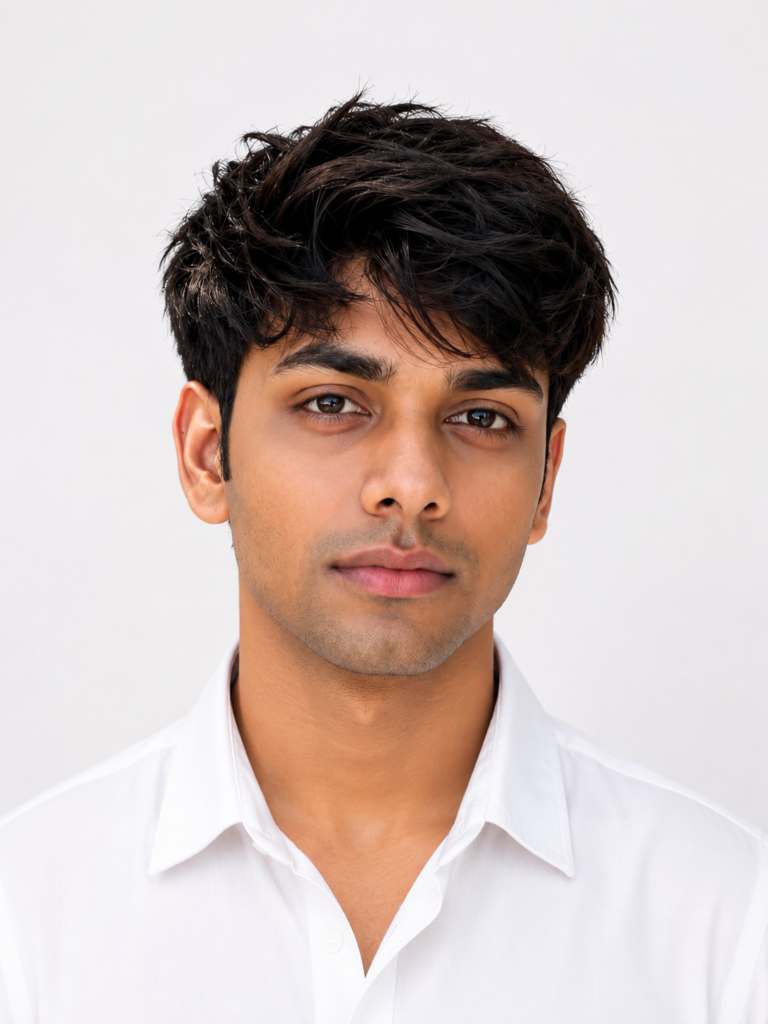
Transform my uploaded image into a high-quality studio passport size photo. Keep my face exactly the same and preserve all natural facial details. Use a clean plain background with soft professional studio lighting. Make the image sharp, realistic, and well-balanced. Keep my head straight, shoulders aligned, and expression neutral. Crop the photo in standard passport size composition. Avoid over-smoothing the skin, changing facial features, or making the image look edited. The final photo should look like it was taken in a professional photo studio.
10. Natural Smile Passport Size Photo Prompt
Use this for resumes and professional profiles where a slight natural smile is acceptable.
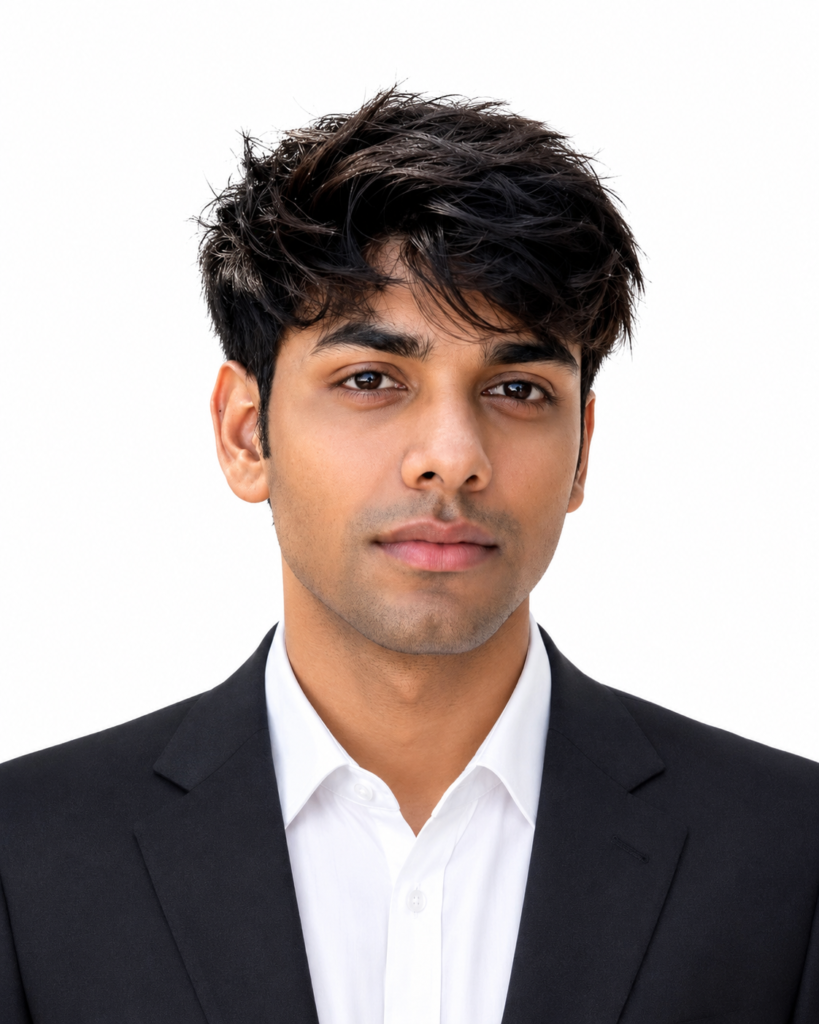
Create a professional passport size photo from my uploaded image. Keep my face and identity exactly the same. Use a plain white or light grey background. Add soft studio lighting and make the image look natural and realistic. Keep a slight natural smile, not too much. Crop the image from head to shoulders in passport photo style. Keep the photo clean, professional, and suitable for resume, LinkedIn, portfolio, and profile use. Do not change my facial structure, skin tone, or hairstyle.
Bonus Prompt: Fix Passport Photo Without Changing Face
If the AI result changes your identity, use this correction prompt. It tells ChatGPT to keep your original facial structure and only improve the background, crop, lighting, and outfit.
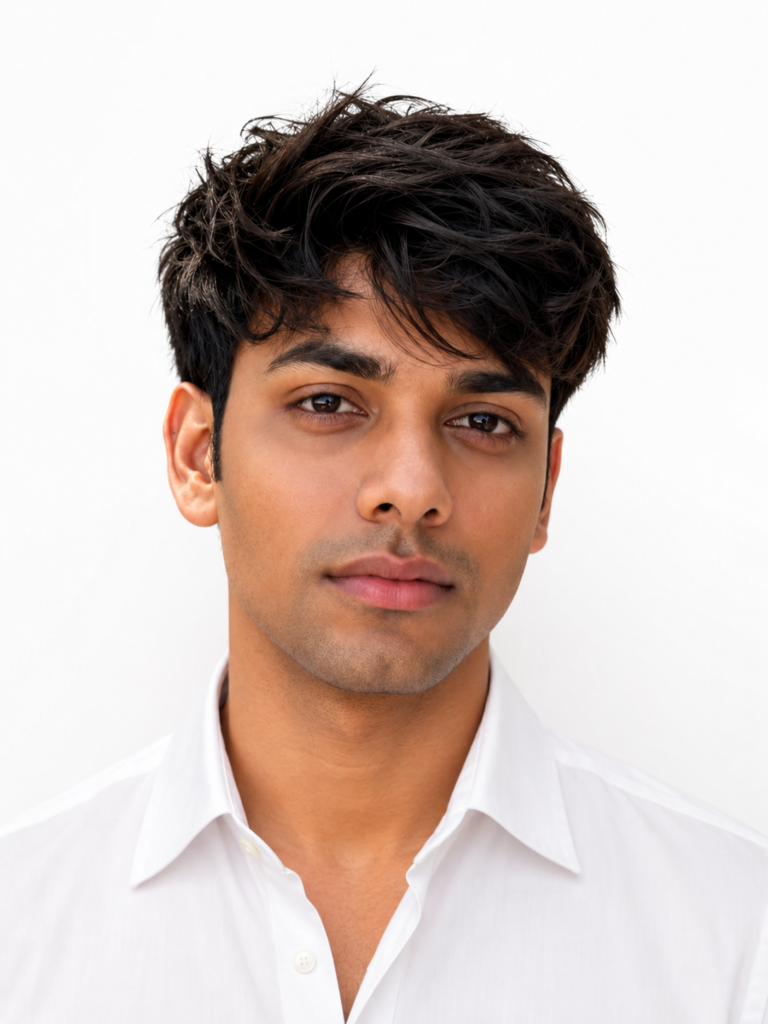
The face has changed too much. Please regenerate the image while keeping my face, identity, facial structure, eyes, nose, lips, beard, hairstyle, and skin tone exactly the same as the uploaded photo. Only improve the background, lighting, crop, and outfit. Do not make me look like a different person. Keep the final image realistic and professional.
Tips for Better Passport Size Photo Prompts for ChatGPT
Use a sharp photo with a straight face angle. Avoid sunglasses, heavy shadows, side angles, filters, caps, and low-resolution selfies. A clear front-facing photo gives ChatGPT a stronger reference for realistic editing.
Do not ask for too much beauty editing. A passport-style image should look natural, clean, and professional. The goal is to improve lighting, background, crop, and outfit while keeping your real face the same.
Common Mistakes to Avoid
- Using a blurry selfie as the reference photo.
- Asking for heavy beauty filters that make the face look fake.
- Using stylish backgrounds for ID-style or form-style photos.
- Forgetting to mention that facial features must stay the same.
- Using AI-edited photos for official documents without checking official rules.
FAQs About Passport Size Photo Prompts for ChatGPT
Can ChatGPT make a passport size photo?
Yes, ChatGPT can help create a studio-style passport size photo from a clear uploaded image. For official documents, check the required photo rules before using any AI-edited image.
Which background is best for a passport size photo?
A plain white background is the safest and most common choice. Some forms may ask for blue or light grey, so always check the requirement before generating the final image.
Can I use these prompts for resume photos?
Yes. These Passport Size Photo Prompts for ChatGPT work well for resumes, CVs, job portals, LinkedIn profiles, and portfolio photos where a professional head-and-shoulder image is needed.
How do I stop ChatGPT from changing my face?
Use a prompt that clearly says: keep my face, identity, facial structure, skin tone, hairstyle, and facial features exactly the same. The bonus prompt above is written for that situation.
Final Words
These Passport Size Photo Prompts for ChatGPT are ready to copy and paste. Start with a clear photo, choose the prompt that matches your use case, and keep your instruction focused on background, lighting, outfit, crop, and identity preservation.
For the best result, use one of these Passport Size Photo Prompts for ChatGPT and ask ChatGPT to keep your face exactly the same while only improving the studio background, lighting, outfit, and passport-style crop.