ChatGPT prompt to make text sound human is useful when your content is correct but still feels too robotic. Sometimes ChatGPT writes clean sentences, but the result sounds too formal, too perfect, or not like a real person wrote it.
This guide is simple. You will get one best prompt first, then a few smaller prompts for blogs, emails, captions, student writing, and professional content. You can copy any prompt, paste your text under it, and ask ChatGPT to rewrite it in a more natural way.
The goal is not to hide anything or trick anyone. The goal is to make writing easier to read. Google also recommends creating helpful, people-first content instead of content made only for search engines, so your final text should still be useful, clear, and honest.
For official prompt guidance, you can also read OpenAI’s prompt engineering guide. For SEO quality, check Google’s guide on helpful, reliable, people-first content.
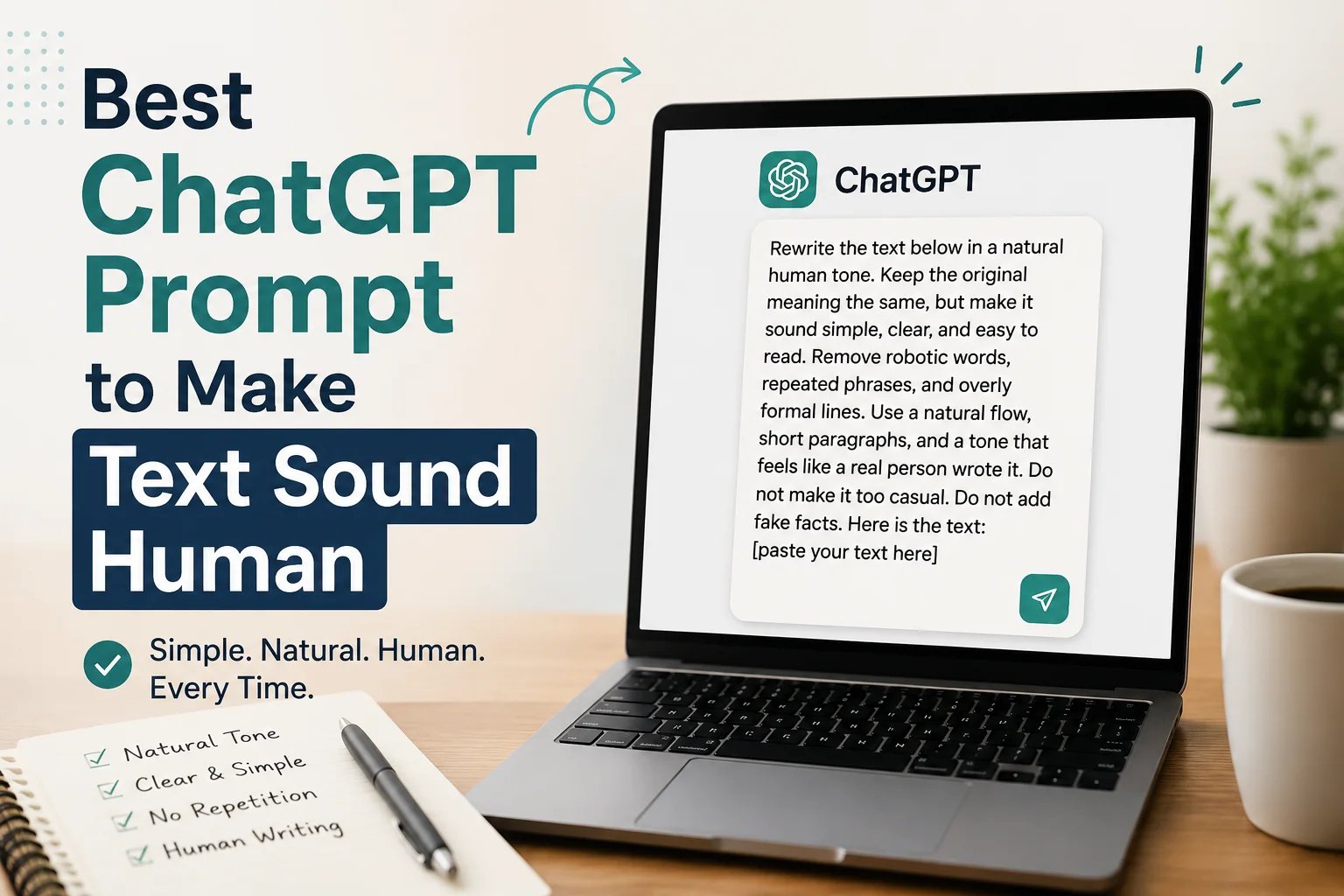
Best ChatGPT Prompt to Make Text Sound Human
Use this prompt when your text sounds too much like AI and you want it to feel natural, simple, and easy to read.
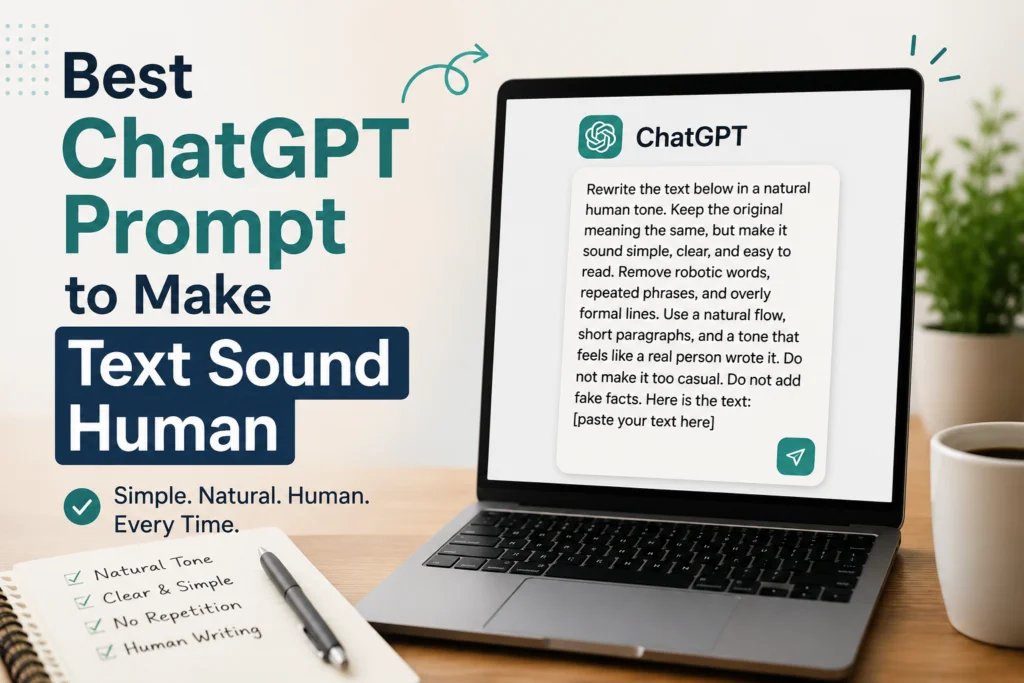
Rewrite the text below in a natural human tone. Keep the original meaning the same, but make it sound simple, clear, and easy to read. Remove robotic words, repeated phrases, and overly formal lines. Use a natural flow, short paragraphs, and a tone that feels like a real person wrote it. Do not make it too casual. Do not add fake facts. Here is the text: [paste your text here]
Why ChatGPT Text Sometimes Sounds Robotic
ChatGPT text can sound robotic when the prompt is too general. If you only write “make this better,” the result may become polished but still unnatural. It may use the same sentence rhythm, repeat common phrases, or add words that real people do not normally use in daily writing.
Some common signs of AI-style writing are long introductions, too many formal words, repeated ideas, and phrases like “in today’s digital world,” “unlock the power,” “seamless experience,” or “it is important to note.” These lines are not always wrong, but they can make simple content feel heavy.
A better prompt gives ChatGPT clear instructions. Tell it the tone, the audience, the purpose, and what not to do. OpenAI’s prompt guidance also explains that clear instructions and relevant context help the model produce better results.
Simple Copy Paste Prompt
This is the easiest version. Use it when you do not want a long prompt.
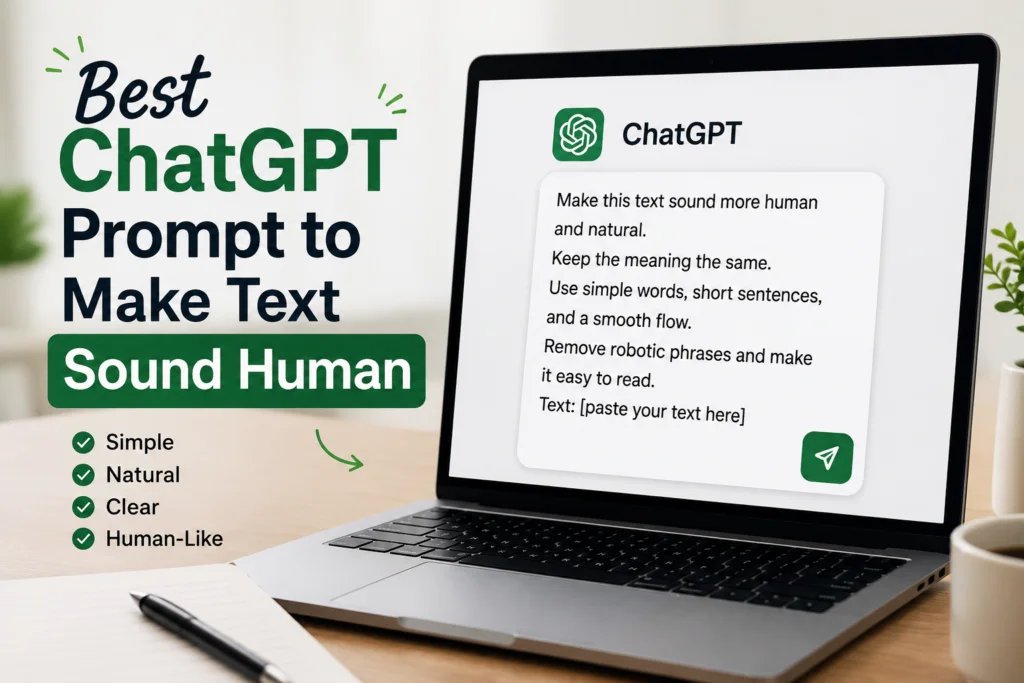
Make this text sound more human and natural. Keep the meaning the same. Use simple words, short sentences, and a smooth flow. Remove robotic phrases and make it easy to read. Text: [paste your text here]
ChatGPT Prompt for Blog Content
Use this prompt when you are editing a blog post and want it to sound like a real person wrote it.
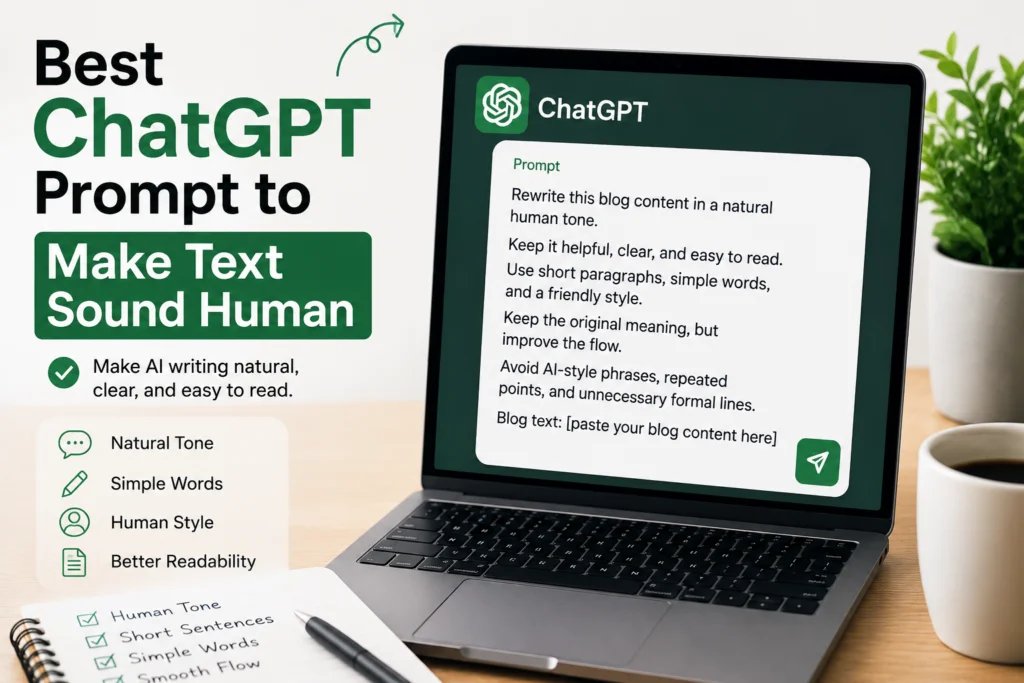
Rewrite this blog content in a natural human tone. Keep it helpful, clear, and easy to read. Use short paragraphs, simple words, and a friendly style. Keep the original meaning, but improve the flow. Avoid AI-style phrases, repeated points, and unnecessary formal language. Blog text: [paste your blog content here]
ChatGPT Prompt for Emails
Use this when an email sounds too stiff or too formal.
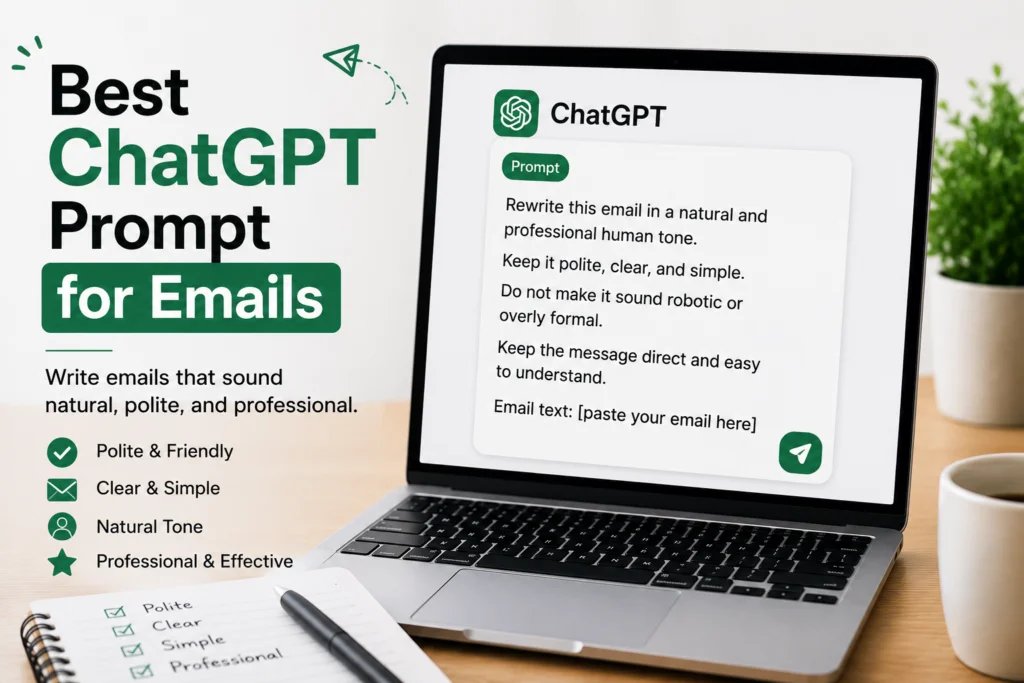
Rewrite this email in a natural and professional human tone. Keep it polite, clear, and simple. Do not make it sound robotic or overly formal. Keep the message direct and easy to understand. Email text: [paste your email here]
ChatGPT Prompt for Social Media Captions
Use this when your caption sounds boring, too perfect, or too much like a template.
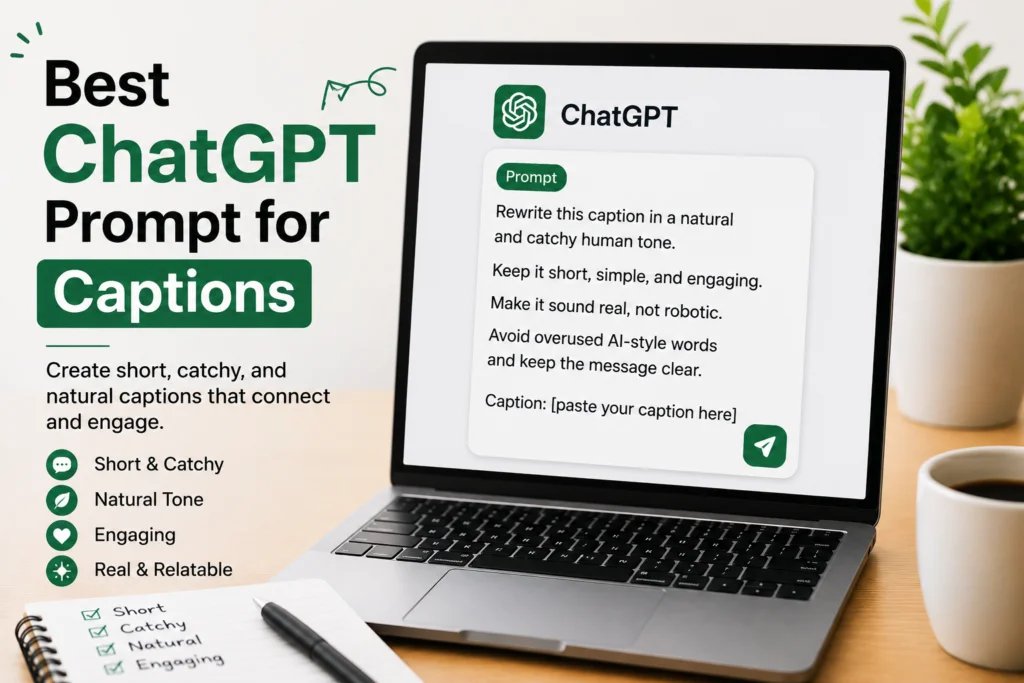
Rewrite this caption in a natural and catchy human tone. Keep it short, simple, and engaging. Make it sound real, not robotic. Avoid overused AI-style words and keep the message clear. Caption: [paste your caption here]
ChatGPT Prompt for Students
Use this when you want a school or college answer to sound simple and clear. Always follow your teacher’s rules before using AI for assignments.
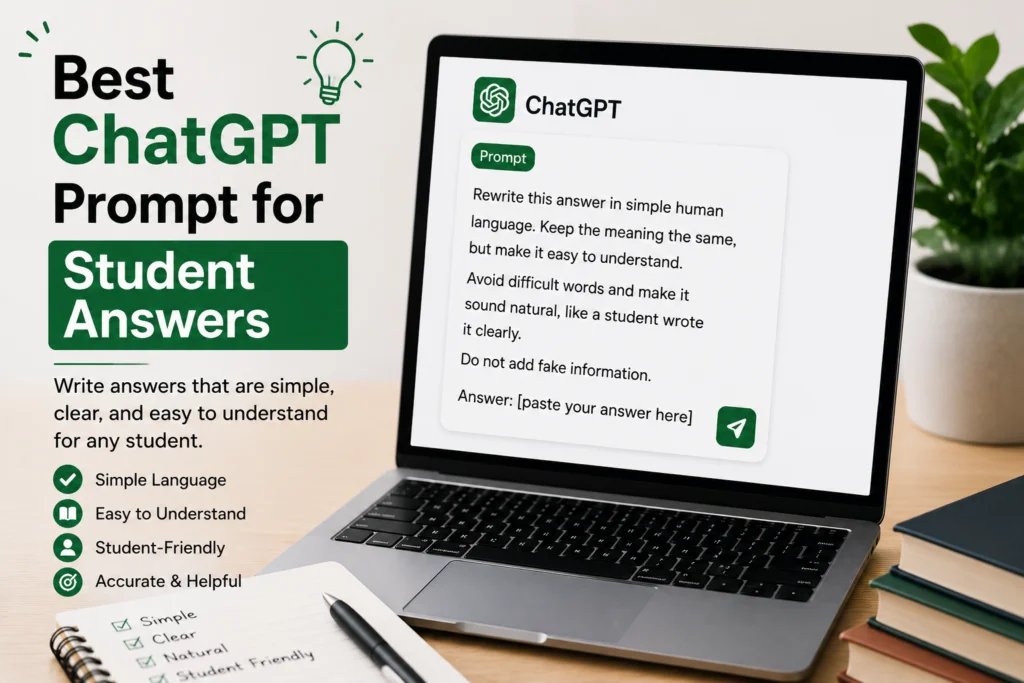
Rewrite this answer in simple human language. Keep the meaning the same, but make it easy to understand. Avoid difficult words and make it sound natural, like a student wrote it clearly. Do not add fake information. Answer: [paste your answer here]
ChatGPT Prompt for Professional Content
Use this for LinkedIn posts, website copy, proposals, portfolio content, or business writing.
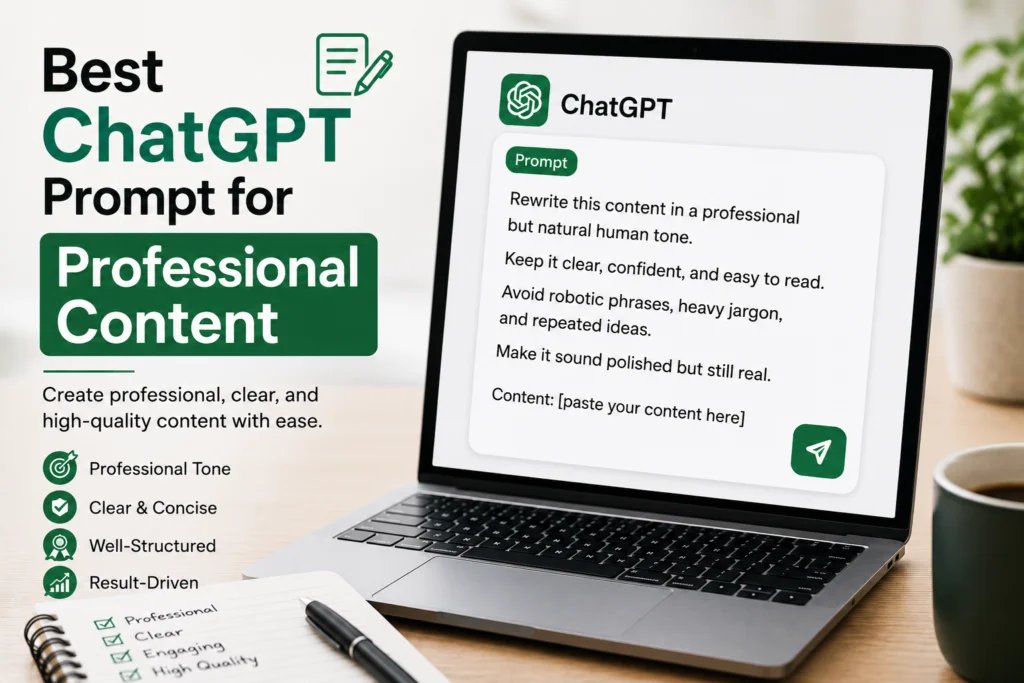
Rewrite this content in a professional but natural human tone. Keep it clear, confident, and easy to read. Avoid robotic phrases, heavy jargon, and repeated ideas. Make it sound polished but still real. Content: [paste your content here]
How to Use a ChatGPT Prompt to Make Text Sound Human?
- Copy the AI-written text you want to improve.
- Choose one prompt from this guide.
- Paste the prompt into ChatGPT.
- Add your text below the prompt.
- Tell ChatGPT the tone you want, such as friendly, simple, professional, or casual.
- Read the final result once and make small manual edits before using it.
Before and After Example
Here is a simple example of how a human rewrite can make a line easier to read.
| Before | After |
|---|---|
| In today’s modern digital world, effective communication plays a significant role in creating impactful content. | Good writing should be clear, simple, and easy to understand. |
| It is important to note that users must carefully evaluate the quality of the generated content. | Always read the final text once before you use it. |
AI Words That Make Text Sound Robotic
These words are not banned, but they are often overused in AI writing. If your content uses them too much, replace them with simpler words.
- Delve
- Unlock
- Leverage
- Seamless
- Furthermore
- In today’s digital world
- It is important to note
- Transform your journey
Quick Checklist Before You Publish
- Does the text sound natural when you read it out loud?
- Are the sentences short and clear?
- Is the original meaning still the same?
- Did you remove repeated words or ideas?
- Did you add your own example or experience where possible?
- Did you fact-check names, dates, numbers, and claims?
Common Mistakes to Avoid
Do not make the text too casual if the topic is professional. Do not remove important details just to make the content shorter. Also, do not ask ChatGPT to add “human emotions” if the topic does not need them. The best human writing is not dramatic. It is clear, useful, and easy to follow.
Most importantly, do not publish without checking the final text yourself. ChatGPT can improve the tone, but you should still add your own judgment, examples, and final edits.
You may also like these related guides: ChatGPT professional headshot prompts, Gemini AI prompts for Instagram photos, and passport size photo prompts for ChatGPT.
FAQs
What is the best ChatGPT prompt to make text sound human?
The best prompt tells ChatGPT to keep the meaning the same, use simple words, remove robotic phrases, and write in a natural human tone.
Can ChatGPT make AI text sound natural?
Yes. ChatGPT can rewrite AI text in a more natural way if you give it a clear prompt with tone, audience, and style instructions.
How do I make ChatGPT writing less robotic?
Ask ChatGPT to use short sentences, simple wording, natural flow, and fewer repeated phrases. Also tell it to avoid overly formal AI-style words.
Can I use this prompt for blog posts?
Yes. You can use these prompts for blog posts, emails, captions, website copy, student writing, and professional content.
Final Words
A good ChatGPT prompt to make text sound human can quickly improve boring or robotic content. But the final step should always be yours. Read the text, remove anything that feels fake, and add your own touch where it makes sense.
If you want one simple rule, remember this: human writing is clear writing. It does not need heavy words. It needs meaning, flow, and a real reason to help the reader.