Best Gemini AI prompts for Instagram photos help you create cleaner profile pictures, reels covers, outfit posts, lifestyle images, and quality-fixed photos. A good prompt is not just a random sentence. It should clearly explain the goal, background, lighting, framing, and final image quality.
This guide gives you a complete structure with a quick checklist, best prompt, master prompt, copy-paste prompt list, and internal resources. For related ideas, you can also check the Gemini AI mirror selfie prompts, Instagram DP prompts, and professional headshot prompt guide.
Quick Checklist Before You Generate
- Upload a clear reference image.
- Choose one Instagram goal: DP, reels cover, outfit post, or lifestyle photo.
- Keep background and lighting specific.
- Use one prompt at a time.
- Regenerate with small changes instead of rewriting everything.
Best Gemini AI Prompt for Instagram Photos
Use this when you want a fast, clean, all-purpose Instagram photo result.
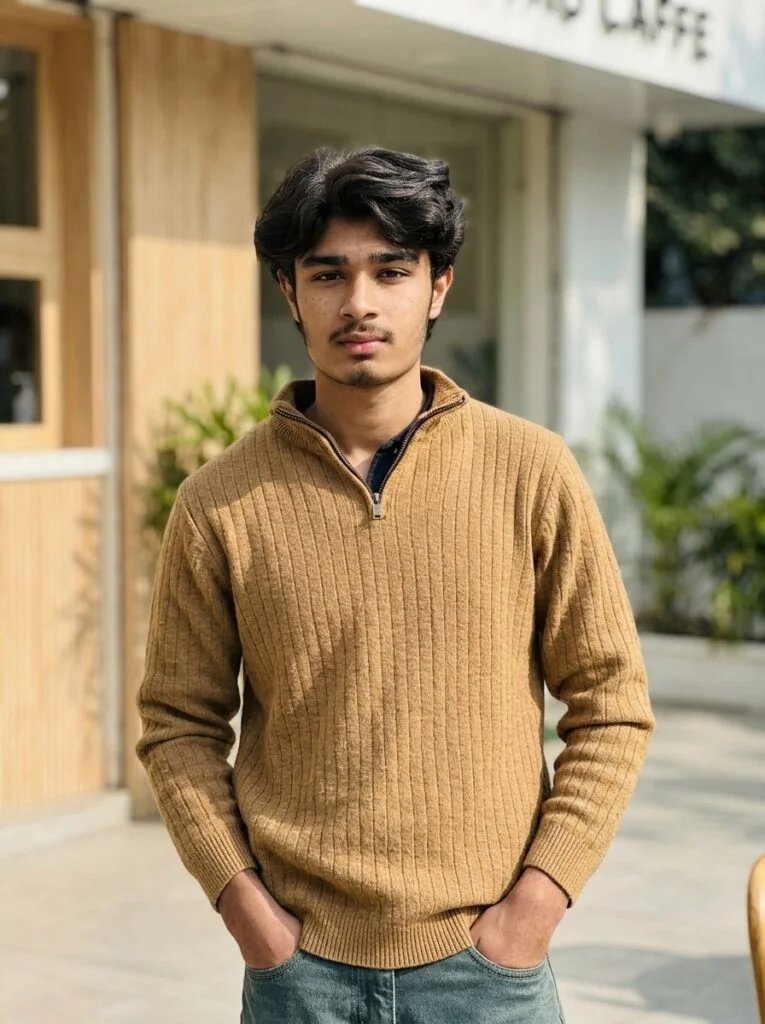
Using the uploaded image as reference, create a clean Instagram-ready photo with natural lighting, balanced colors, simple background, sharp details, stylish composition, and realistic social-media quality. Keep the image natural, polished, and not over-edited.
Master Prompt for High Quality Instagram Results
This master prompt gives more control over scene, outfit, lighting, and final quality.
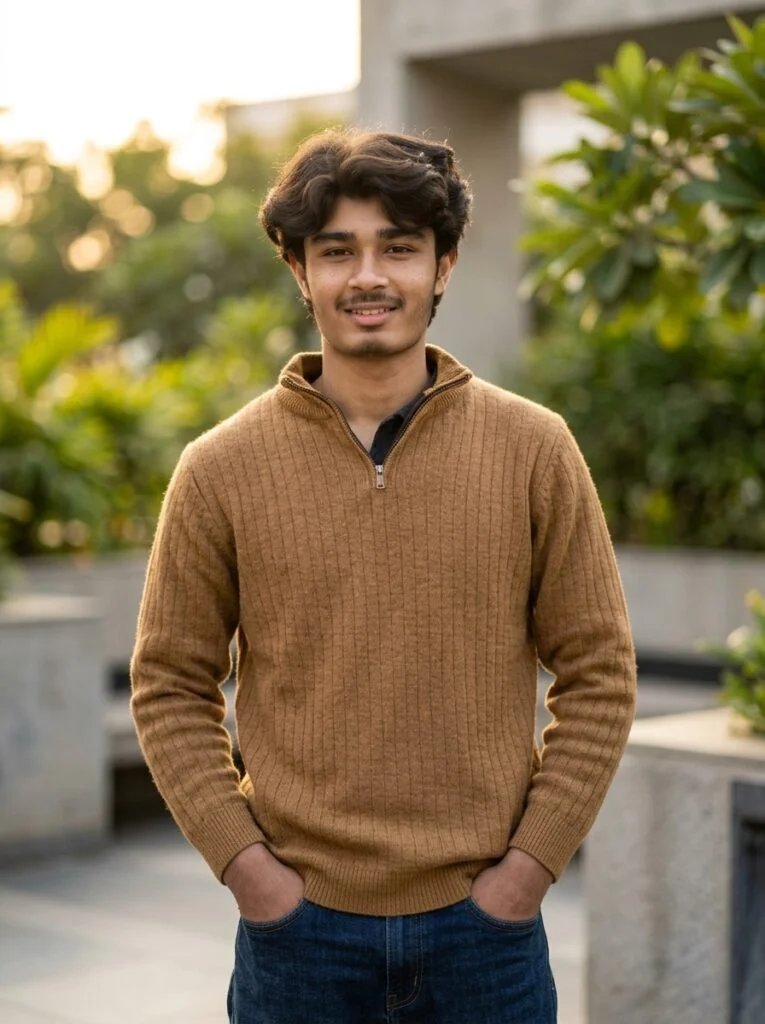
Using the uploaded image as reference, create a high-quality Instagram photo with a clear subject, natural pose, stylish outfit detail, clean background, soft realistic lighting, camera-like depth, balanced colors, sharp focus, and polished social-media composition. Keep the result realistic, avoid heavy filters, remove visual noise, and make the final image suitable for a premium Instagram post.
Gemini AI Instagram Prompt List
1. Clean Profile Photo
This prompt is best for profile pictures, DP images, and clean portrait-style posts.
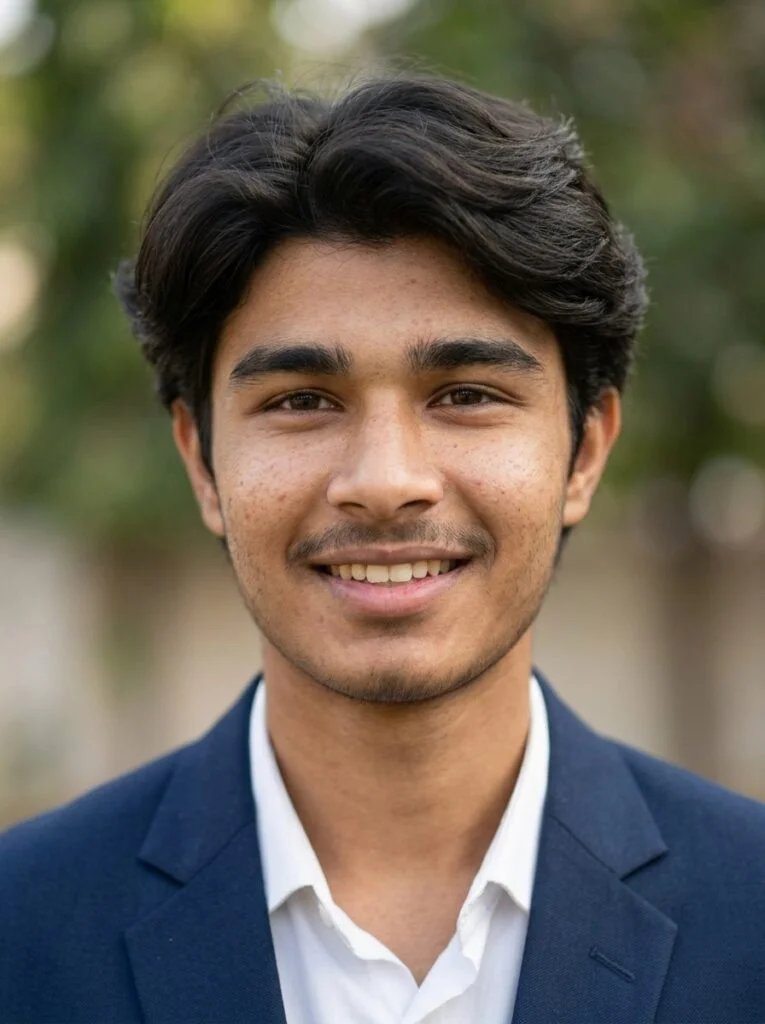
Using the uploaded image as reference, create a clean profile photo with centered framing, simple background blur, soft daylight, balanced colors, sharp details, and a natural polished look.
2. Reels Cover Photo
Use this for vertical covers where the subject should stay clear and readable.
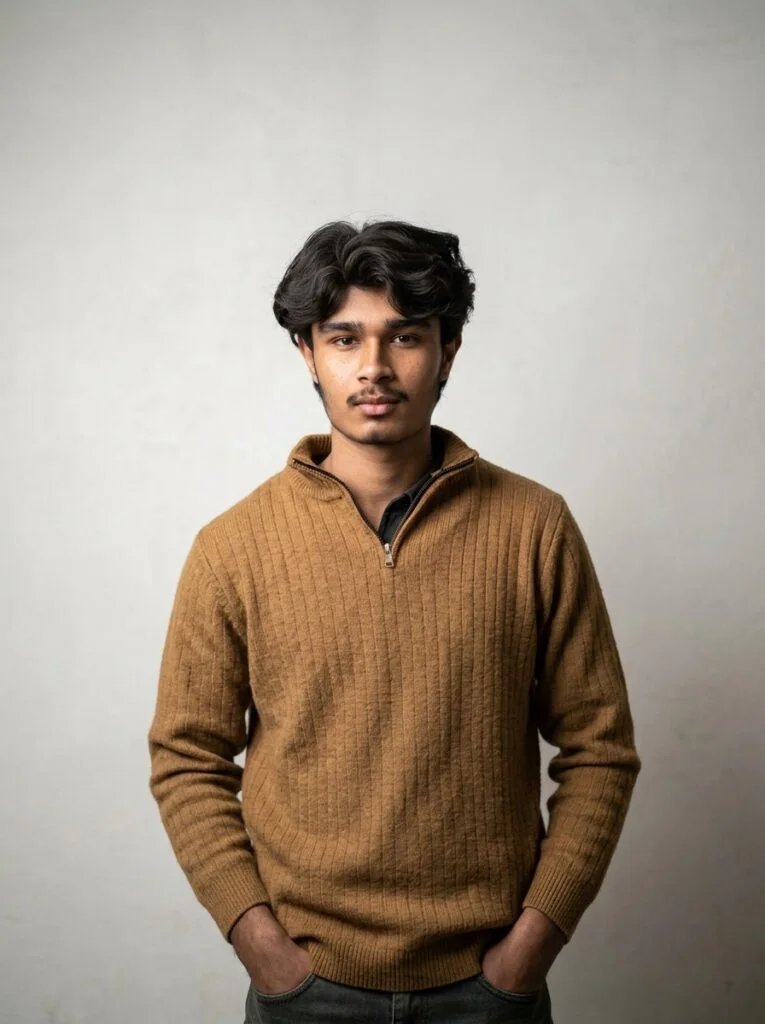
Using the uploaded image as reference, create a vertical Instagram reels cover with strong center framing, clean background, realistic lighting, sharp focus, and empty space at the top for title text. Do not add text.
3. Outfit Post Photo
This prompt focuses on clothing, styling, fabric detail, and full-body social-media framing.
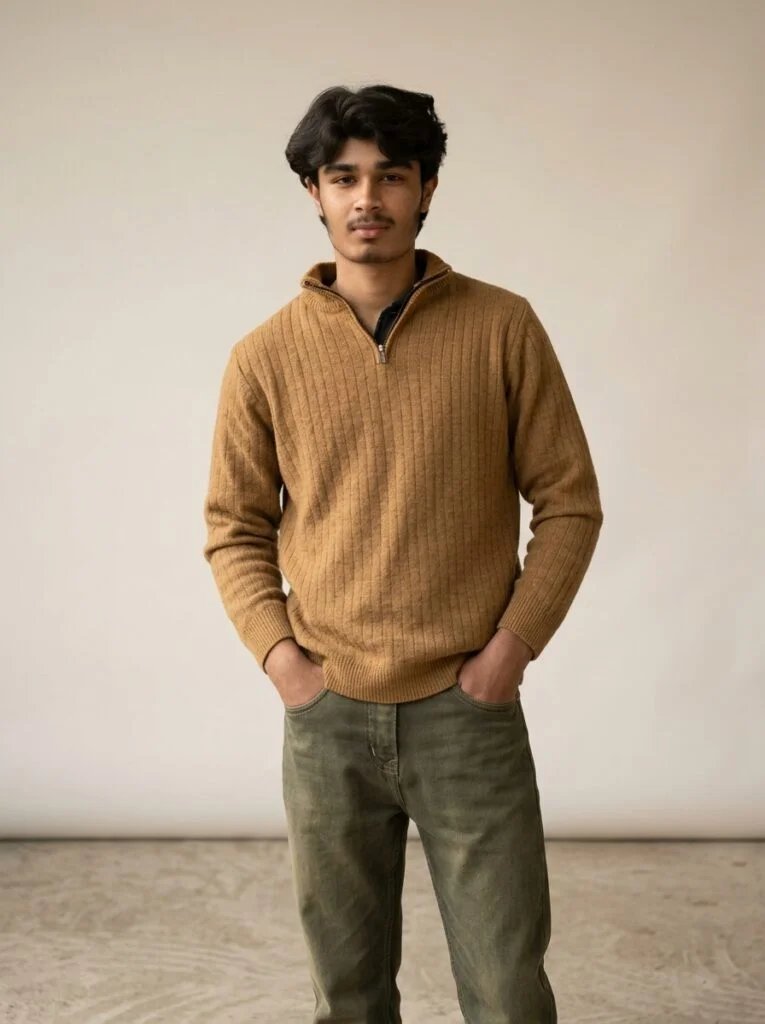
Using the uploaded image as reference, create an outfit-focused Instagram photo with full-body framing, natural pose, clear fabric detail, simple background, soft shadows, and realistic fashion-photo quality.
4. Lifestyle Photo
Use this for cafe photos, outdoor lifestyle posts, and natural feed images.
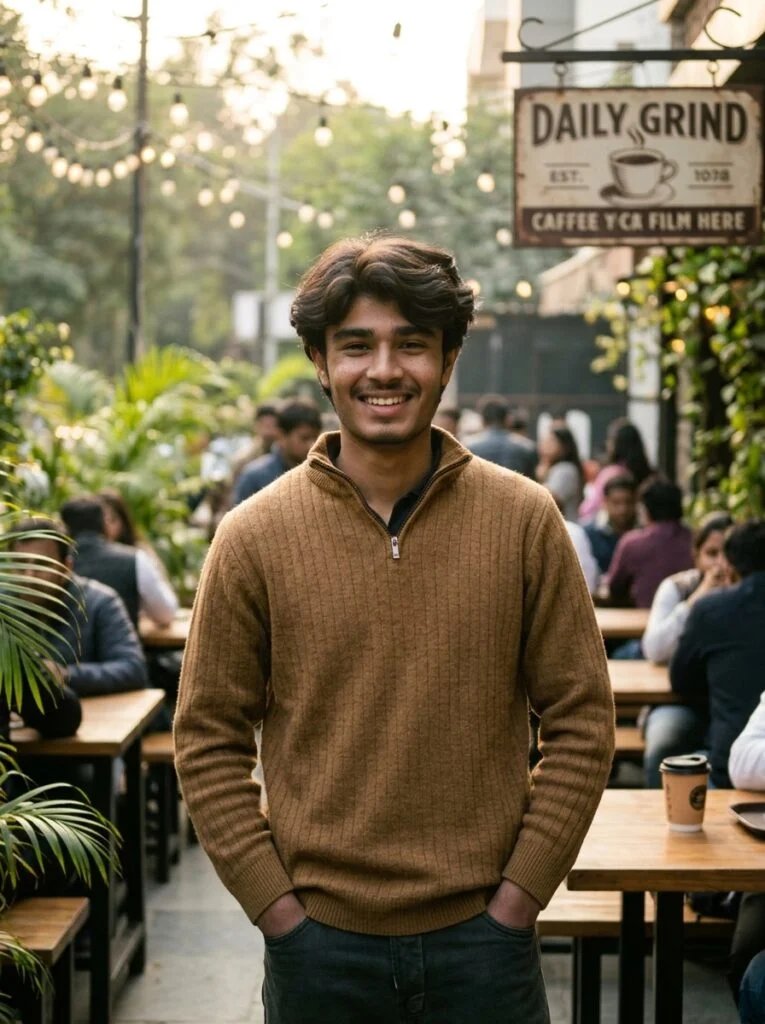
Using the uploaded image as reference, create a realistic lifestyle photo in a warm cafe or outdoor setting with relaxed composition, soft natural light, background depth, clean colors, and social-media-ready detail.
5. Image Quality Fix
Use this when your image is already good but needs better clarity, light, and polish.
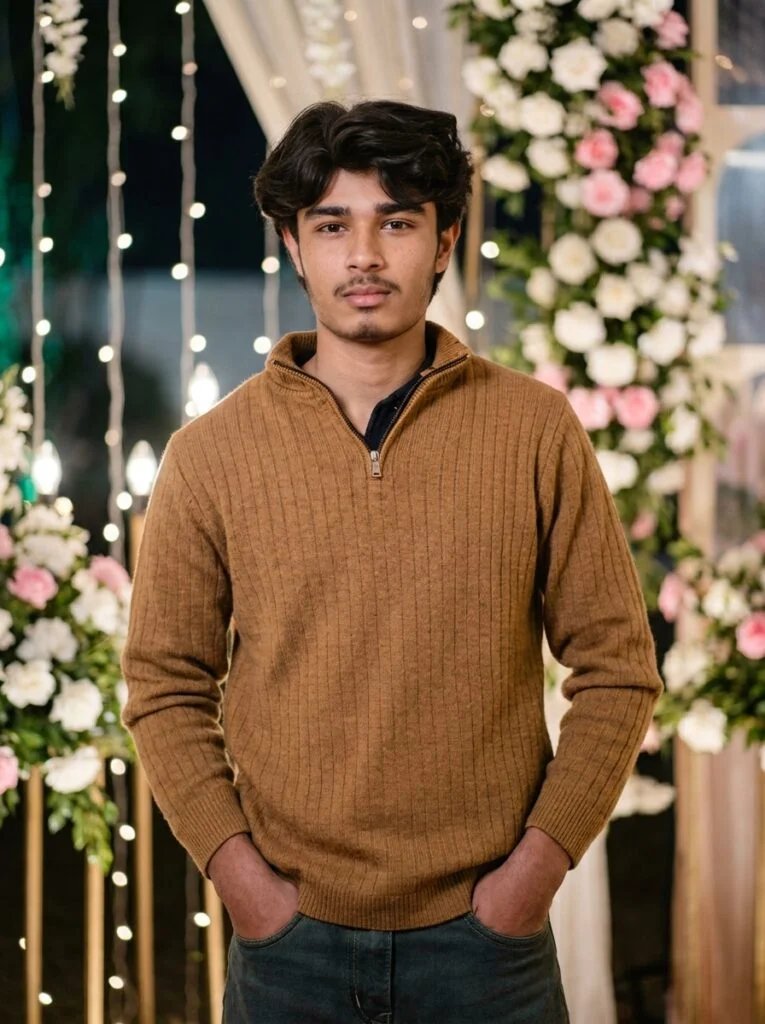
Improve this image for Instagram by balancing exposure, color, clarity, sharpness, and background detail. Keep the result natural, clean, realistic, and ready for online posting.
Instagram Prompt Comparison Table
| Prompt Type | Best For | Use When |
|---|---|---|
| Best Prompt | Fast Instagram edit | You want one quick copy-paste prompt |
| Master Prompt | Premium photo result | You need more control over light, pose, and background |
| Quality Fix Prompt | Existing photo improvement | Your photo needs better clarity, color, or exposure |
Prompt Variables for Instagram Photos
Use these variables to make each Instagram prompt feel unique: format — DP, reels cover, outfit post, lifestyle shot; lighting — soft daylight, golden hour, studio light; background — cafe, clean wall, street, room mirror; quality rule — natural texture, balanced colors, realistic detail.
How to Make a Perfect Instagram Prompt
A perfect Instagram prompt should include: reference image + photo goal + pose + background + lighting + camera framing + quality rules. For example, if you want a profile image, mention centered framing and clean background. If you want an outfit post, mention full-body framing and fabric detail.
Related Prompt Guides
For more ideas, explore the aesthetic mirror selfie prompt guide, golden hour Gemini prompts, and old photo restoration prompts.
What is the best Gemini AI prompt for Instagram photos?
The best prompt clearly describes the photo goal, background, lighting, camera framing, and final quality rules.
How do I make Gemini AI Instagram photos look realistic?
Use natural lighting, simple backgrounds, clear reference-image instructions, and realistic quality rules instead of heavy filters.
FAQ
What is the best Gemini AI prompt for Instagram photos?
The best prompt is specific about the goal, lighting, background, framing, and final quality.
Can Gemini improve existing Instagram photos?
Yes. Use a quality-fix prompt to improve exposure, sharpness, color balance, and background clarity.
How do I avoid fake-looking results?
Keep prompts simple, use natural lighting, avoid too many styles, and add realistic quality rules.
Final Words
Gemini AI prompts work best when they are clear, focused, and easy to adjust. Start with the best prompt, move to the master prompt when you need more control, and use the prompt list for different Instagram content types.